November 2026
Featuring
Chris Galeski, Wealth Advisor and Partner, Morton Wealth
Meghan Pinchuk, Chief Investment Officer, Morton Wealth
In one week, headlines of breaches and outages touched Microsoft, the FAA, JPMorgan Chase, iCloud, Salesforce, Zoom, the NSA, and more. Some of these incidents were confirmed cyberattacks while many were either technology system disruptions or still lack a confirmed cause. These issues left many people, including our clients, asking a reasonable question: Is my information safe, and what should I be doing to protect myself?
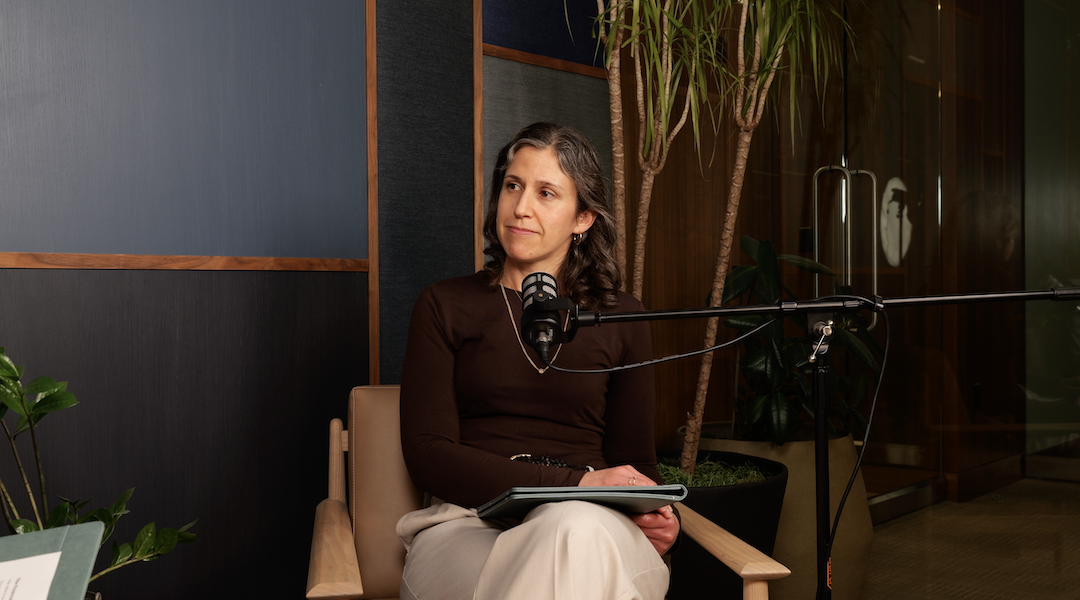
In this episode of Financial Commute, Wealth Advisor Chris Galeski and Chief Investment Officer Meghan Pinchuk provide perspective on the news, discuss which specific steps will meaningfully improve your personal cybersecurity, and share how we approach protecting sensitive client data on our end.
Note: This conversation was filmed at 4 PM PST on November 18th, 2026. After recording this episode, new news was released related to JPMorgan Chase accounts. Our recommendation remains that any clients with these accounts should proactively take the suggestions in this video to protect their data and logins.
0:00 – Intro: a week of cybersecurity headlines and what we actually know
0:49 – Welcome: separating confirmed breaches from misinformation
1:33 – The Microsoft outage, the FAA ground stop, and what caused them
2:16 – The confirmed breach: 178 companies exposed through one shared vendor
3:06 – What the malicious code was actually designed to steal
4:11 – Chase, JP Morgan, and the unconfirmed ransomware rumors
5:14 – Five things you can do right now to protect yourself
7:03 – Why your password needs to be at least 20 characters long
8:48 – Multi-factor authentication, checking your statements, and pausing on urgency
10:49 – Red flags: when to hang up and call a known number instead
12:10 – How Morton protects clients: wire verification, vendor review, and secure communications
15:09 – Phishing scams, spoofed emails, and AI guidelines at the firm
Was my data exposed in the recent cyber incidents?
It is impossible to say with certainty without knowing which services you use and whether those services were among the 178 organizations exposed through the Optimizely breach. What Chris and Meghan suggest is not to assume you are safe but to act as though some exposure is possible and take the protective steps that are within your control. Those steps, strong unique passwords, multi-factor authentication, updated software, and monitoring your statements, are worth doing regardless of whether you can confirm exposure.
What is a password manager and do I need one?
A password manager is an application that generates, stores, and autofills strong unique passwords for every site you use. Without one, the realistic alternative for most people is reusing the same password across multiple sites, which is one of the most common ways accounts get compromised. If a hacker obtains your password from one site and you have used that same password on your bank, they now have access to both. Chris and Meghan specifically mention 1Password and Keeper as options worth looking into. Setting one up takes some time, but once it is in place it is easier than what most people are doing now.
How do I know if a phone call or email about a cyberattack is legitimate?
The most reliable signal that something is a scam is a sense of urgency. Legitimate banks and financial institutions do not call you demanding immediate action to protect your account. If you receive a call from someone claiming to be your bank, hang up and call back using a number you know is legitimate, such as the one printed on the back of your debit or credit card or listed on the bank's official website. The same logic applies to emails: if something is asking you to click quickly or act now, slow down before clicking anything.
What is multi-factor authentication and how do I turn it on?
Multi-factor authentication, also called two-factor authentication or MFA, requires you to verify your identity through a second channel, typically a code sent to your phone, every time you log into an account from a new device. Most major banks, financial platforms, and email providers offer it as an option in their security settings. It is worth enabling for any account that holds financial information, login credentials, or sensitive personal data. Where possible, opt to receive the code via text message to your phone rather than email, as email-based codes can be slower to arrive and more likely to end up in spam.
What is Morton Wealth doing to protect my account and money?
Several specific protocols are in place. Any request to move money, including wire transfers, requires verbal verification through an outbound call initiated by Morton Wealth, not by the client. The firm reviews the security controls of vendors that handle sensitive client information. Sensitive data is transmitted through encrypted links rather than plain email. Clients can also use the Morton Wealth client portal for secure document uploads. The team receives ongoing training to recognize and respond appropriately to suspicious requests.
Cyber incidents that affect major institutions are not abstract. They touch the accounts, the email addresses, and the financial information that most people use every day. The encouraging part of this episode is that the most effective protections available, strong passwords, multi-factor authentication, updated software, and careful attention to your statements- are all within reach and do not require a technical background to implement.
If you have questions about how to implement any of the steps discussed in this episode, or would like to understand more about how Morton Wealth handles your personal financial information, please reach out to your advisor directly.
Watch relevant content:
How to Protect Yourself from Cyber Crimes
Cyber Threats You Should Know About
Disclosures: Information presented herein is for discussion and illustrative purposes only and is not intended to constitute financial advice. The views and opinions expressed by the speakers are as of the date of the recording and are subject to change. These views are not intended as a recommendation to buy or sell any securities, and should not be relied on as financial, tax, or legal advice. You should consult with your financial professional, accountant, or tax professional before implementing any transactions or strategies concerning your finances.